 04:12
04:12Hook91
Drop a podcast, interview, or stream. Quip cuts the few clips worth posting and reports why each one lands, so you spend your time on the edit, not the search.
No card. 1 free video / month.
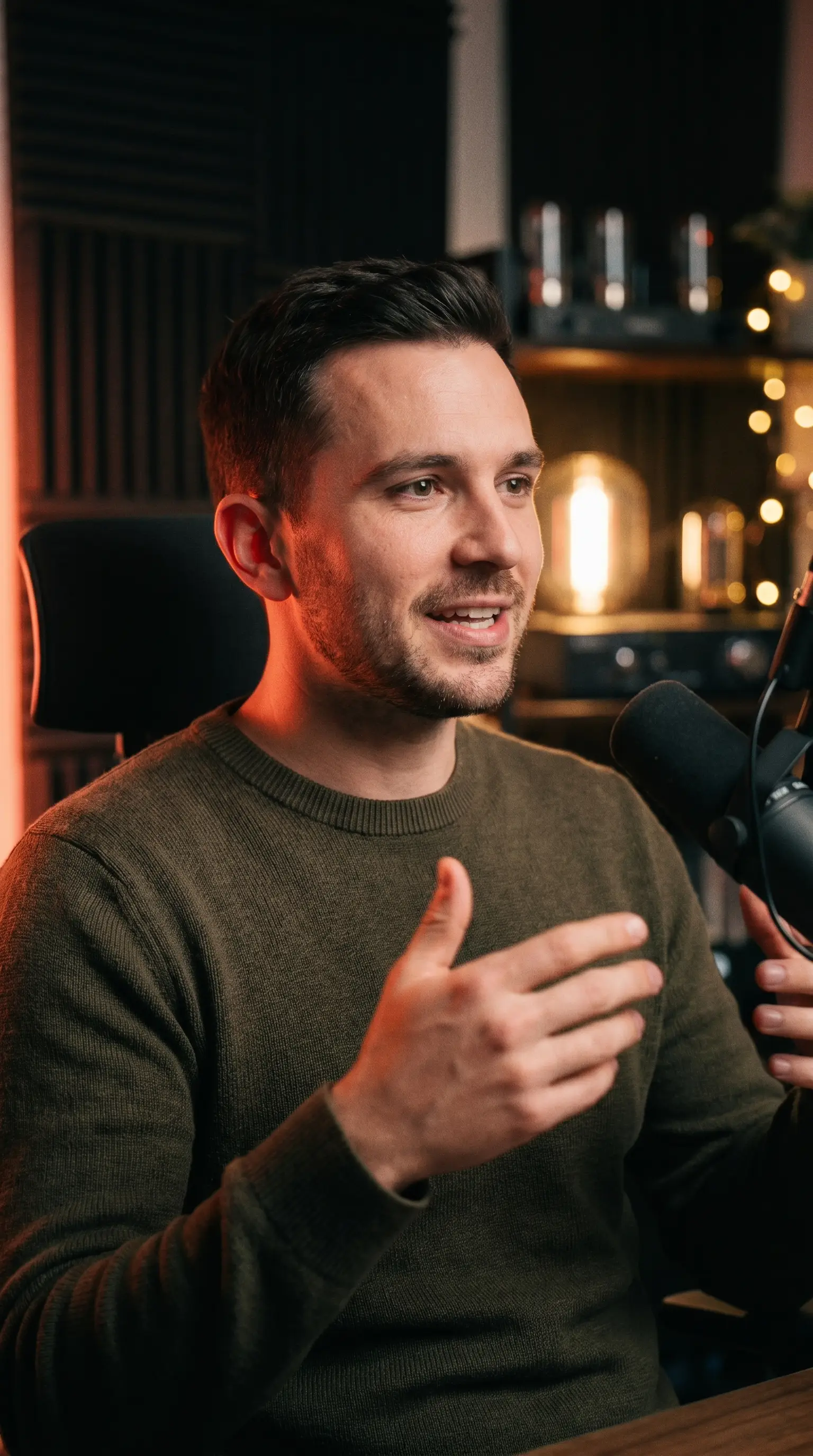
One long video in. Quip finds the moments, cuts clean vertical clips, and reports the reason each one will land: a hook, a confidence score, and the cut explained.
Keep scrolling: Quip unfolds an hour of conversation into a strip of strong moments, each with a timecode and a score.
04:12 11:03
11:03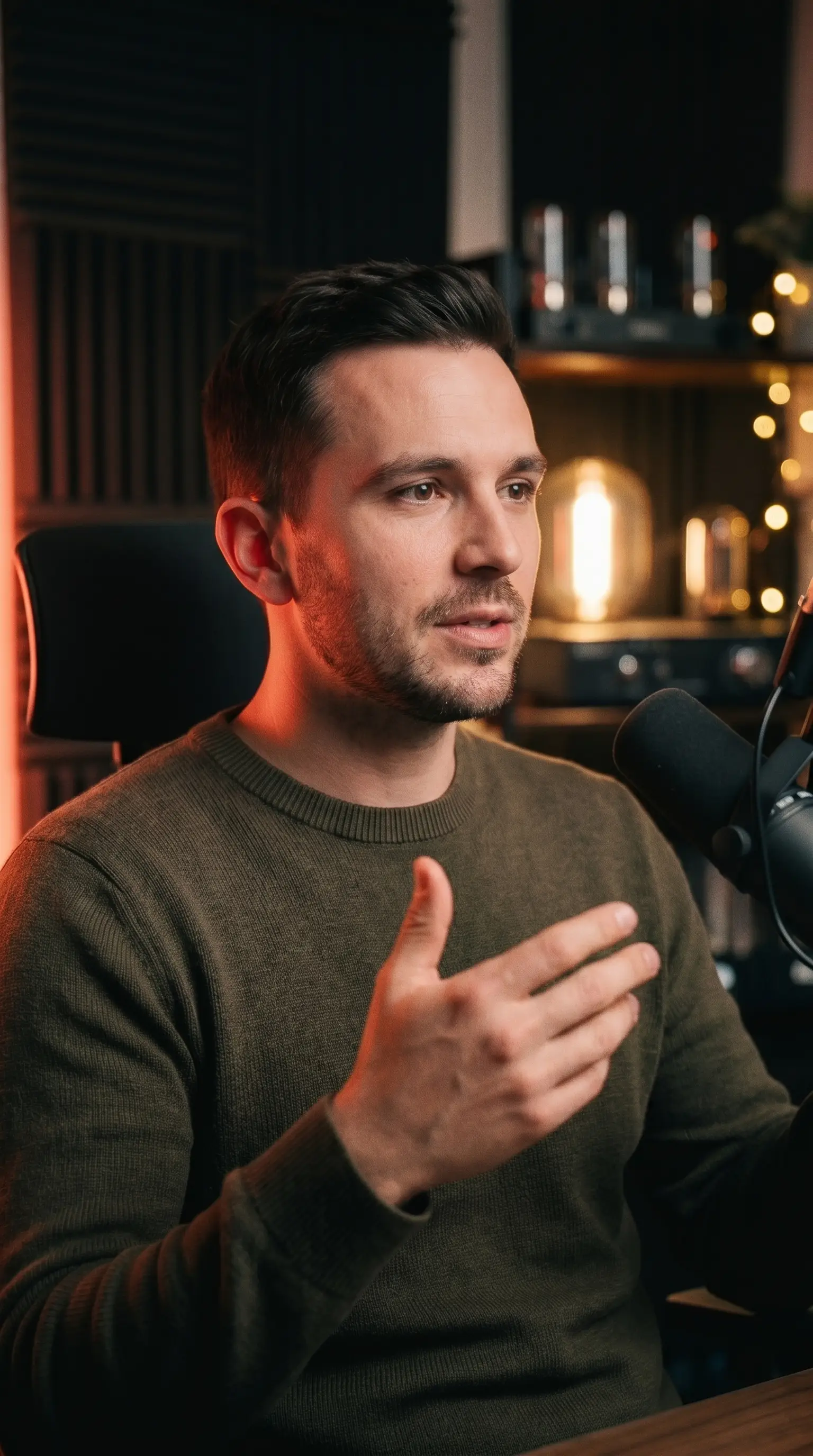 17:48
17:48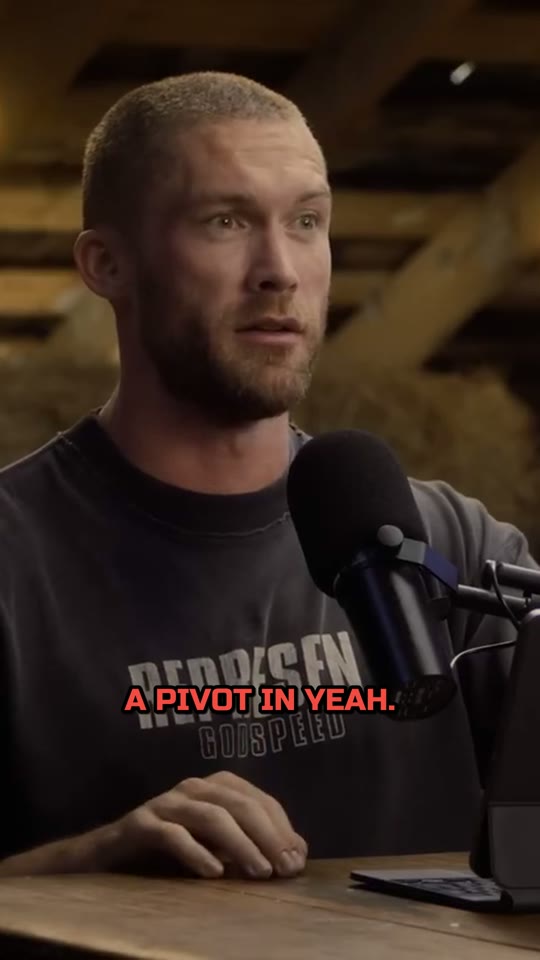 26:3038:15
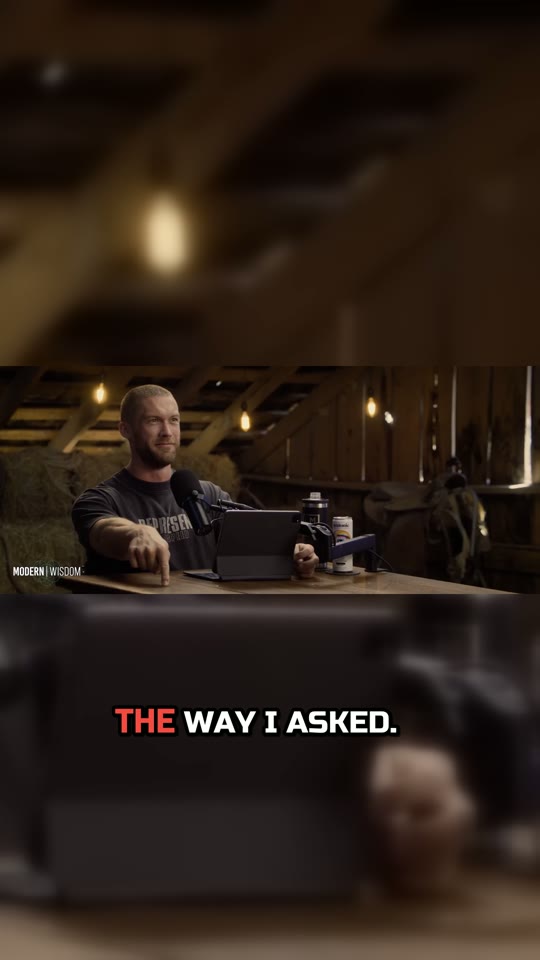 49:52
49:52more moments down the map. Open any of them and pull the clip in one click.
Stop guessing what to post. The reason beats luck.
The marketing is light; the workspace is dark, like an edit bay. Both themes switch in one click, everywhere on the site.
Paste a link or upload a video. Quip finds the moments and explains each one.
Opens a loop in the title, then pays it off with a real turn. A complete story that stands on its own.
A scroll-stopping cold open. States the stakes before the viewer can look away.
Drop your video: podcast, interview, stream, or lecture. Up to 90 minutes.
It transcribes, picks the strongest moments, writes a hook, scores confidence, and reports why each one works.
Smooth 9:16 reframe that follows the speaker, captions with punch, your style. Export and post with intent.
Active-speaker detection centers the right face, even in a multi-cam interview.
Frame-accurate scene detection. The crop only moves on a real cut, never mid-shot.
The active word flares as it's spoken, burned in pixel for pixel. The preview is the export.
A branded hook plate on top, and 9:16, 1:1, 4:5, or 16:9 for every platform.
Finding the moments, the vertical reframe, the first pass of captions: that is the slow eighty percent of the job. Quip does that part and hands back the reason each clip works, so you take on more work instead of drowning in it.
Hours scrubbing a two-hour podcast for the moments worth cutting, before the real edit even starts.
Quip finds and reframes them first. You skip the search, keep the craft, and fit more clients into the same week.
Every clip turns into a debate: the client asks why this moment, and you defend it from a gut feeling.
Each clip ships with a hook, a confidence score, and a plain reason. Forward that, and the client signs off on the first pass.
You record long, then the clips never happen because cutting them yourself eats the whole day.
Drop the episode, get a handful of clips you can stand behind, and post every day without hiring an editor.
The AI that picks and explains your clips reads only the transcript text, never your video itself. Your footage stays yours.
Knowing which moment is worth your audience's attention is.
One video gave 23 candidates. This is the one worth posting first.
One credit is one video, up to 60 minutes. No tokens to ration, no surprise paywalls. Your limit is shown up front, and pay-as-you-go credits never expire.
See it work, no card required.
1 video / mo · 60 min
For creators shipping weekly.
10 videos / mo · 600 min
For heavy repurposing.
30 videos / mo · 1,800 min
For studios and agencies shipping daily.
42 videos / mo · 2,520 min
No subscription. One video, never expires. Top up anytime.
Prices in USD. Cancel anytime. Monthly credits reset. Pay-as-you-go never expires.
Most clippers optimize for volume: thirty clips you have to sift through. Quip optimizes for confidence: fewer clips, each with a hook, a confidence score, the moment type, and a plain reason it works. Add reframe with no flash frames and pricing without credit games, and you post with intent instead of hope.
Drop in a video and get a handful of clips you can stand behind, each with the reason it works and a score you can trust.
No card. 1 free video / month. Cancel anytime.